
General content
General content is the default content type used to add and format text within T4. Find out how to add it to your webpage, and what information you should include.
When to use General Content
The General Content content type is how you will add and format copy on your webpages. To improve web accessibility and SEO, break up your text into digestible chunks under headings. Learn more about adding headings to your webpages.
Example
The General Content content type should contain -
- Accessible and on-brand language.
- Formatted headings, following heading hierarchy rules.
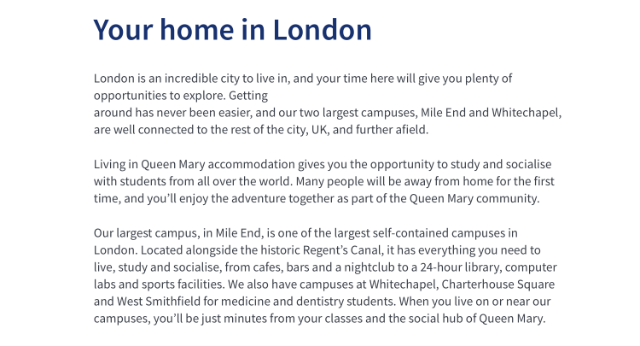
Creating General Content
Components
This content type only has one component and can be added directly to the page on which you would like it to appear.
If the ‘General content’ content type is not listed as an option once you have selected '+ Add Content', please contact websupport@qmul.ac.uk.
Adding the content type to your webpage
Below are the different fields you will fill in when creating General Content, and what information you should include.
Name
This is how your content type will be named within the backend of T4 and will not be publicly visible.
Content
This is where your copy goes. It should always align left. You can make small formatting adjustments via the toolbar at the top, for example -
- Headings
- Bullet points
- Images
If you copy text across from a different file, it may not format well. Make sure to select ‘Edit’ and ‘Paste as text’ from the editor in T4 before pasting.