
Photo Gallery
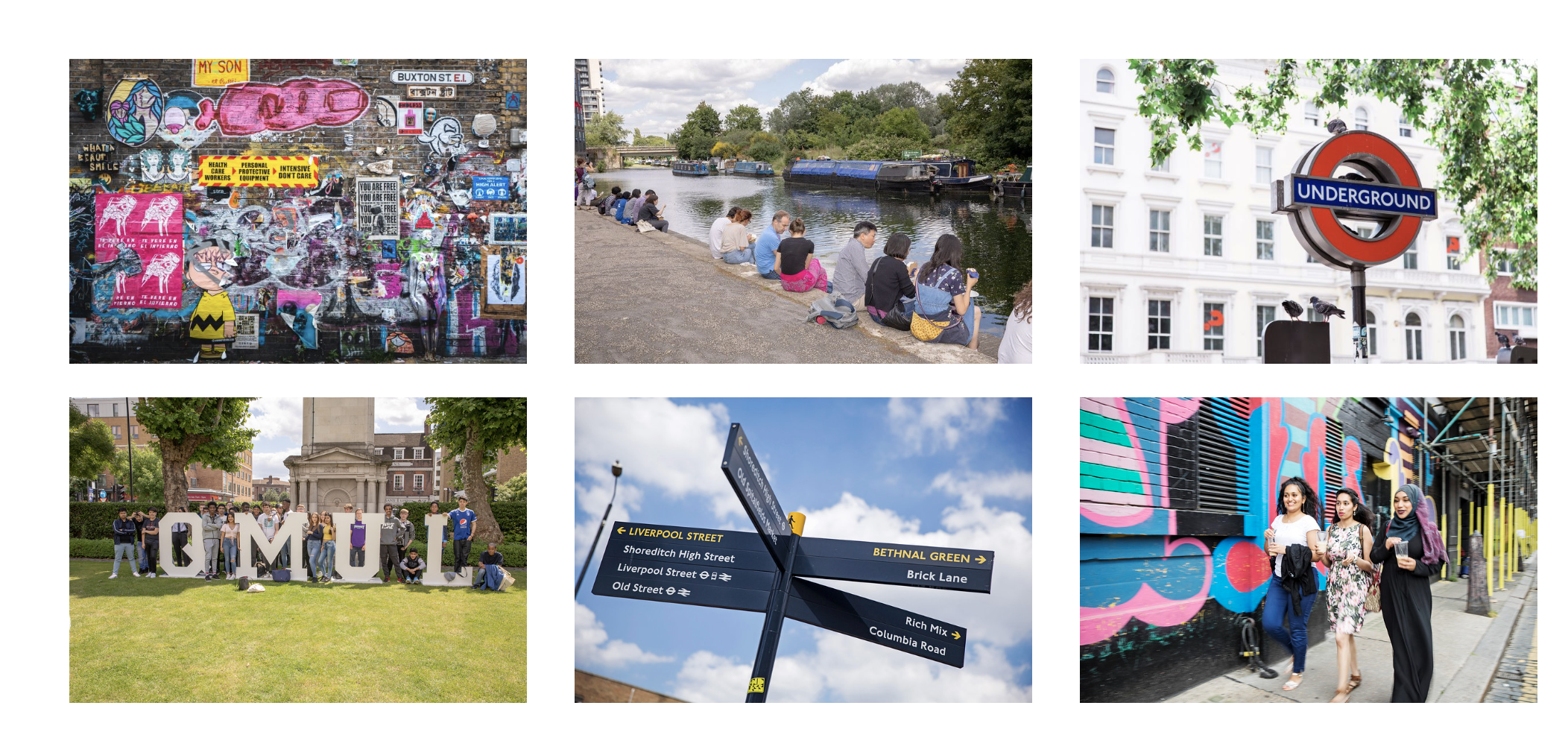
The Photo Gallery content type allows you to add a series of images to your webpage. Users can click the images and they will expand and show a caption.
When to use the Photo Gallery
The Photo Gallery content type on T4 allows you to add expandable images to your webpage. We recommend using this content type when the user will need to see your image in more detail.
Example
Photo galleries appear as small thumbnails on the page, and then when the user clicks the thumbnail, the image will expand.
Creating a Photo Gallery
Components
This content type has two components, and you will need both for the it to appear on a webpage. Both components sit directly on the page you would like the content type to appear on.
These components are -
- Photo Gallery Container (this pulls all your items into one gallery on your webpage)
- Photo Gallery Item (these are the individual images)
If both the above components are not listed as an option once you have selected '+ Add Content', please contact websupport@qmul.ac.uk.
Adding the content type to your webpage
Photo Gallery Container
Name
This is how your content type will be named within the backend of T4 and will not be publicly visible.
Photo Gallery Item
Name
This is how your content type will be named within the backend of T4 and will not be publicly visible.
Thumbnail image
This is the thumbnail for the image that a user will click. It is important to ensure this image is a small size to ensure it loads easily. We would recommend the image is scaled down so the longest side is around 300 pixels.
Full sized image
This is the image a user will see once it has expanded. Very large images will be hard for certain users to load, so we recommend making the longest side of the image around 1500 pixels maximum.
Caption
This is the caption that will appear below the full-sized image once expanded.